



Once the PDF was ready, the next step was simple.
We opened AlwinBridge™.
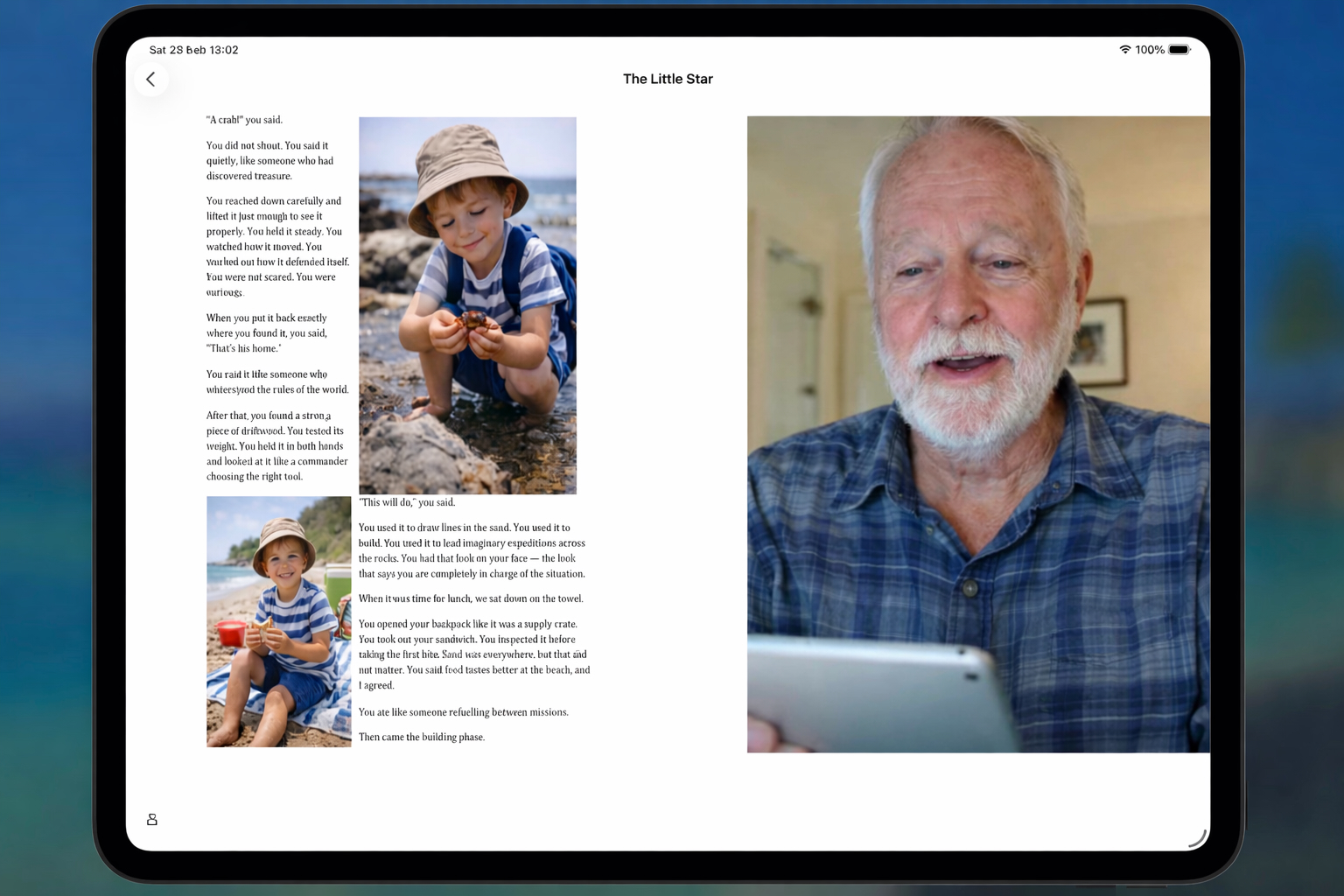
We uploaded the PDF and let it become a story inside the app. The pages appeared exactly as we had arranged them.
Then we recorded the video — one page at a time.
Not in a studio.
Not with special lighting.
Just sitting where we normally sit.
We read the words back as they were written.
If a page didn’t feel right, we recorded it again.
If it was fine, we left it.
Each page now has its own video beside it.
On the left, the story.
On the right, the voice and face reading it.
If there is no video for a page yet, the story still works. The child can read it independently.
If there is a video, it plays immediately.
Nothing complicated.
Nothing hidden.
Just the story, preserved and ready to be replayed.
What was once just a day now has a place.
It can be opened.
It can be turned through.
It can be heard again.
And that changes what it becomes.
Responsive Ads

[Twitter Widget Error] You need to authenticate your Twitter App first. Go to Highend Options > Social Links. Read the documentation to find out more.
Recent Comments