



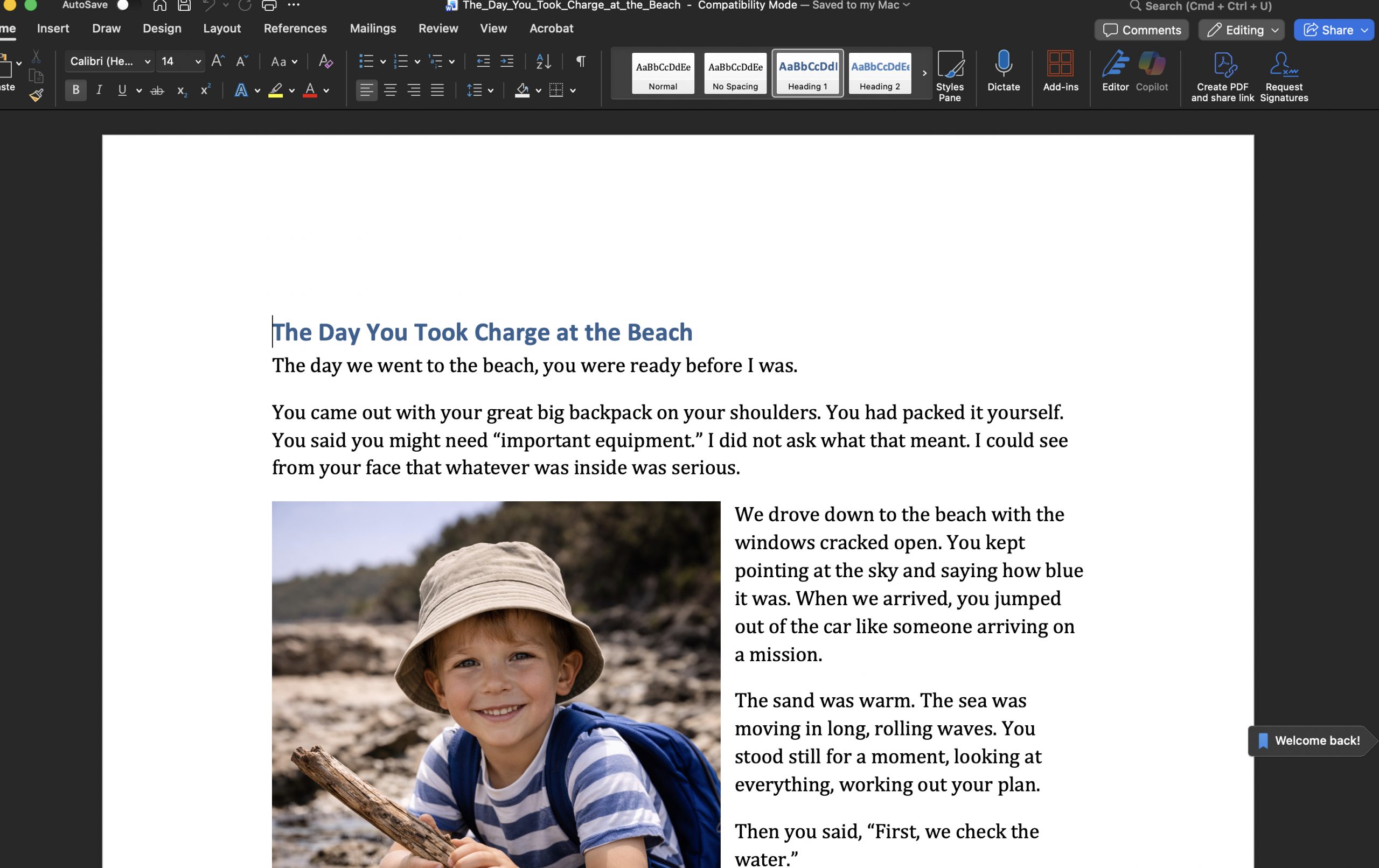
Once the story was written, putting it together was straightforward.
We opened Microsoft Word.
We placed the title at the top.
Then we added the photos where they belonged — not all at once, and not crowded onto a single page.
A photo of him leaning out of the car on the way there.
A photo of him stepping into the water.
A photo of him rebuilding the wall.
A photo of him standing back and looking at what he had built.
Each image sat beside the part of the story it supported.
The layout didn’t need to be clever.
Clear margins.
Readable font.
Space around the words.
We let the pages flow naturally. We didn’t try to make everything fit onto one sheet.
In fact, having multiple pages matters.
Because when the story later lives inside AlwinBridge™, those page turns become part of the experience.
Once it looked right, we saved it as a PDF.
That was all.
No special software.
No design training.
No complicated steps.
Just photos, words, and a few quiet decisions about where they sit.
Responsive Ads

[Twitter Widget Error] You need to authenticate your Twitter App first. Go to Highend Options > Social Links. Read the documentation to find out more.
Recent Comments